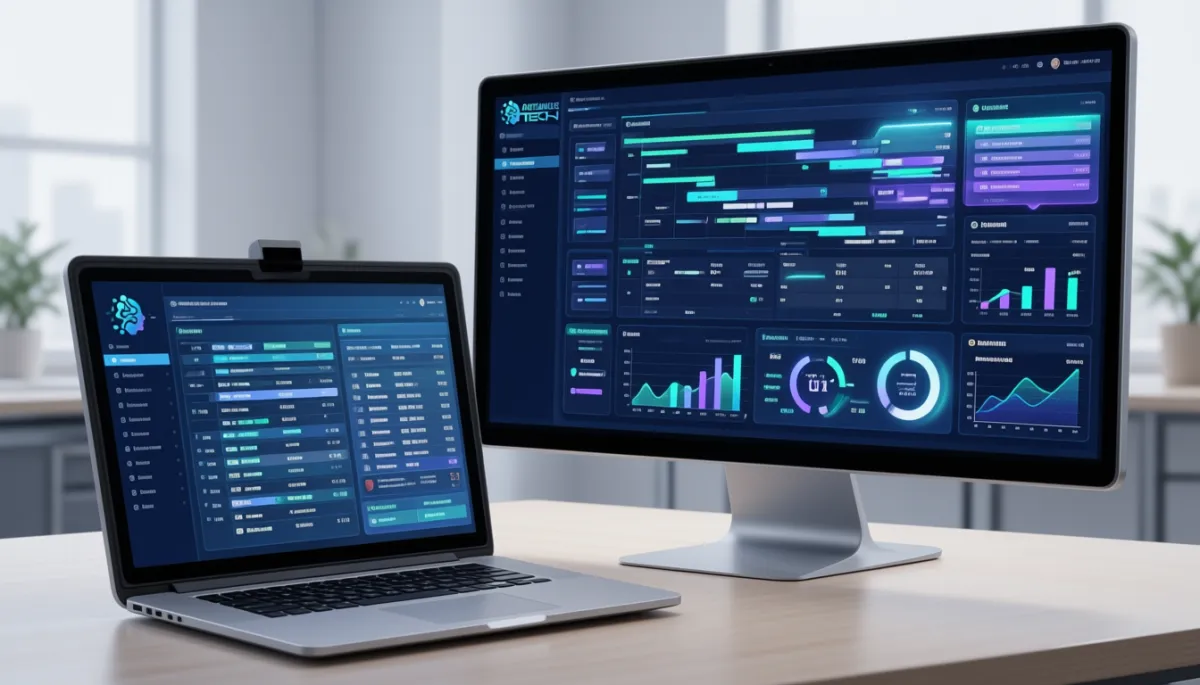
Automate Client Communication and Save Hours Weekly with an All-In-One CRM
Client communication feels totally manageable when your business is still small.
You fire off a few emails here and there. You reply to some WhatsApp messages throughout the day. You hop on a couple of calls. Maybe you keep a simple spreadsheet to track who's who and what's pending.
It all feels under control.
Then growth happens. And suddenly everything changes.

Now you're juggling inquiries flooding in from your website contact form, Instagram DMs pinging at all hours, phone calls coming in during meetings, emails piling up faster than you can read them, text messages from three different platforms, follow ups you swore you'd send yesterday, appointments that need confirming, quotes waiting for approval, reminders that someone has to remember to send, and customer support requests that got buried somewhere in the chaos.
That's the exact moment communication turns into complete chaos.
Messages get missed entirely. Follow-ups are delayed by days or weeks. Your staff end up repeating the same tasks over and over every single day. Warm leads slowly go stone cold. And your customers wait far longer than they should for simple answers.
But here's the part that really stings.
The most expensive cost of all this mess isn't even the lost revenue. It's the lost time.
In 2026, the businesses that scale efficiently don't rely on a scattered pile of random apps and manual processes held together by hope and sticky notes. They use an all-in-one CRM that centralizes every conversation and automates all the repetitive busywork.
The result is simple but powerful.
Faster responses that win more business. Better customer experience that builds loyalty. Fewer missed opportunities slipping away. Clear team visibility so everyone knows what's happening. And hours saved every single week that you can actually reinvest into growing your business.
Let's walk through exactly how it works.
What is an all-in-one CRM?
CRM stands for Customer Relationship Management system. But honestly, that label doesn't do justice to what modern systems can actually do.
An all-in-one CRM goes way beyond just storing names and phone numbers in a digital rolodex.
It combines communication, pipeline management, automation, scheduling, reporting, and all your customer data into one unified place.
Think of it as your business command centre. The single hub where everything lives and nothing gets lost.
Centralized Communication Hub
Instead of checking five different platforms every time you want to know what's happening with a client, every message can be managed inside one clean dashboard.
That includes email threads, SMS conversations, WhatsApp chats, website form submissions, social media inquiries, call logs, and internal team notes.
One place. One view. Zero chaos.
Sales, Support, and Follow Up in One Place
Everyone on your team can see the full client history at a glance. The entire conversation timeline. Pending tasks that need attention. And the clear next steps that should happen.
No more walking across the office asking who was supposed to reply to that email. No more digging through someone else's inbox trying to piece together what happened.
Automation + CRM Combined
Modern systems don't just sit there passively organizing your data. They actually act on it automatically.
That's where the real time savings begin.
Businesses looking for truly connected communication workflows often move toward custom platforms like the Autominds Tech CRM System.
Why Businesses Waste Time Without a CRM
A lot of business owners don't even realize how much time is quietly leaking through poor systems every single day.
Switching Between Multiple Apps Constantly
Email is open in one browser tab. WhatsApp is buzzing on your phone. Your calendar lives somewhere else entirely. Client notes are scattered across spreadsheets. Leads are buried in different inboxes.
This constant app switching absolutely destroys focus and bleeds minutes into hours.
Forgotten Follow-Ups
Someone asked for pricing on Tuesday afternoon. You genuinely meant to reply on Wednesday morning. But then Wednesday got crazy, and now it's suddenly Friday evening.
Guess what? They already bought from your competitor three days ago.
Missed Messages and Lost Leads
When multiple staff members are managing communication manually without a central system, messages inevitably fall through the cracks. It's not anyone's fault. It's just what happens when humans try to juggle too many things at once.
Repetitive Admin Work That Never Ends
Sending the same appointment reminders over and over. Copying contact data from one place to another. Manually updating spreadsheets. Chasing no-shows who forgot they had a booking.
These tiny tasks seem small in isolation. But they multiply relentlessly into hours of wasted time every week.
How CRM Automation Improves Client Communication
Automation is genuinely where the magic starts to happen.
It transforms repetitive communication tasks into reliable systems that run in the background without anyone having to think about them.
Instant Replies to New Inquiries
When a lead submits a form on your website or messages your business through any channel, the CRM can instantly fire back a response.
It might be a warm confirmation message letting them know you received their inquiry. A clear outline of the next steps so they know exactly what to expect. A booking link so they can schedule the time immediately. A helpful FAQ response answering their most common question. Or a quiet team notification letting the right person know action is needed.
Fast replies build trust before you've even exchanged a single word.
Automated Appointment Confirmations
No more manual reminder texts sent at odd hours because someone finally remembered.
The CRM can send booking confirmations instantly. Reschedule links when plans change. Friendly reminder texts 24 hours before the meeting. And thoughtful follow-up messages after the appointment wraps up.
Follow-Up Sequences That Never Forget
Many clients genuinely need a few reminders before they take action. Not because they don't like you. Just because life is busy and things slip.
CRM automation can nurture them with perfectly timed messages until they're finally ready to move forward.
Internal Team Notifications
Need your sales team alerted the moment a hot lead lands in the system? Done.
Need support to be notified instantly when a VIP customer replies to a thread? Done.
Automation routes communication to the right person at the exact right moment.
How Many Hours Can a CRM Save Each Week
Let's do some really simple math together.
If your team spends just
10 minutes daily chasing down appointment confirmations.
20 minutes replying to the same repetitive inquiries over and over.
15 minutes manually updating spreadsheets and moving data around.
30 minutes searching through old messages, trying to find that one conversation from last month.
20 minutes managing reminder messages that should be automatic.
That's easily 5 to 10 plus hours every single week. Per staff member.
Now multiply that across your entire team. The numbers get staggering fast.
Now imagine what happens when you redirect all those reclaimed hours into higher-value work.
Sales calls that actually close deals
Customer service that genuinely delights people
A growth strategy that moves the business forward
delivery quality that keeps clients coming back.
That's the real ROI of automation. Not just saved time. But better use of that time.
Key Features to Look for in a Modern CRM
Not all CRM systems are created equal. Some are glorified address books with a fancy logo.
Here's what actually matters.
Shared Inbox
One unified place where your entire team can manage conversations together. No more forwarding emails back and forth or copying people on threads that get lost.
Pipeline Tracking
Clear visibility into exactly where every lead or customer stands in your process. No more guessing who needs what and when.
Telephony, SMS, Email, and WhatsApp Integration
Modern customers use multiple channels depending on context and preference. Your CRM should meet them wherever they already are.
Workflow Automation
Smart triggers based on real behaviour. A new lead arrives. An appointment gets missed. A quote gets sent but sits unopened. Three days pass with no reply. A customer goes inactive for months.
Each trigger can launch the right automated response.
Reporting Dashboard
Clear visibility into response times, conversion rates, team activity, lead sources, and revenue pipeline health.
Businesses that want these capabilities inside one unified ecosystem often choose systems designed around operational efficiency like AutoMinds Tech CRM Solutions.
What an Automated Client Journey Looks Like
Here's a concrete example of how this flows in the real world.
A prospect submits an inquiry through your website form late in the evening.
The CRM instantly sends a warm reply confirming receipt and setting expectations.
The lead receives a booking link so they can schedule time directly on your calendar.
The appointment gets scheduled automatically without a single back-and-forth email.
A reminder text fires off 24 hours before the meeting.
Your internal sales rep gets notified so they're prepared.
After the meeting wraps up, a follow-up message triggers automatically.
If no reply comes back within a few days, a gentle nurture sequence starts running.
And when the prospect finally becomes a client, they seamlessly enter an onboarding workflow.
That's not just improved communication.
That's a revenue machine running quietly in the background.
Which Businesses Benefit Most from CRM Automation
Clinics and healthcare providers can automate appointments, reminders, follow-ups, and patient inquiries without overwhelming front desk staff.
Agencies can streamline lead qualification, proposal follow-ups, and ongoing client updates.
Real estate professionals can route inquiries instantly, send showing reminders, and run nurture flows that keep buyers warm.
Consultants and coaches can automate discovery call booking, slash no-show rates, and smooth out client onboarding.
Solar and Home service companies can recover missed calls, send estimates automatically, and coordinate technician schedules.
Legal and financial services can maintain structured lead communication and secure client workflows that protect sensitive information.
If you communicate with clients regularly in any capacity, CRM automation matters more than you probably realize.
Why an All-in-One CRM Beats Disconnected Tools
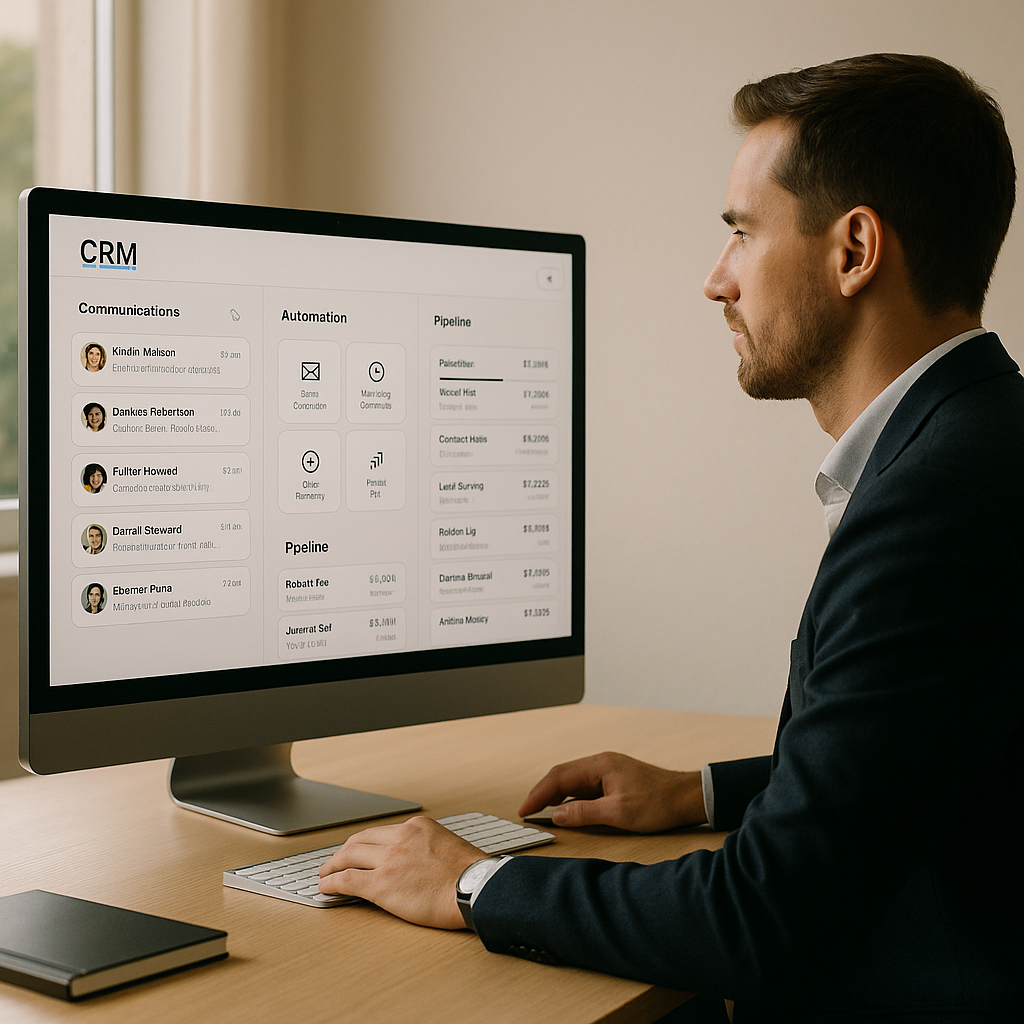
Plenty of businesses try to stitch together a patchwork of separate tools.
Email software over here. Calendar apps over there. WhatsApp is handled manually on someone's phone. A separate pipeline tracker that nobody updates. A reminder tool that only one person uses. A form builder that doesn't connect to anything. And spreadsheet trackers that live on someone's desktop.
That whole setup creates constant friction and endless frustration.
An all-in-one CRM creates something entirely different.
One login to remember. One unified database. One clean communication timeline. One single source of truth everyone can trust. Better reporting that actually reflects reality. And clearer accountability across the whole team.
As many experienced operators will tell you, integrated systems consistently outperform stacks of disconnected tools because context and data remain unified rather than fragmented.
Why Businesses Choose Experts for CRM Setup
Could you go buy CRM software and set it up yourself?
Sure. Technically, you can.
But buying software is honestly the easy part.
Designing a profitable workflow that actually drives results is a completely different challenge.
You need properly structured pipelines that match how your business actually operates. Automation logic that makes sense instead of creating chaos. Team permissions are set correctly, so the right people see the right things. Message templates that sound human instead of robotic. Lead routing rules that get inquiries to the right person fast. Calendar integrations that actually sync correctly. And reporting dashboards that show you what really matters.
That's precisely why businesses often partner with specialists who build custom systems instead of settling for generic one-size-fits-all setups.
If you want a CRM tailored specifically to how your business actually operates day to day, the Autominds Tech CRM solution is a practical place to start exploring what's possible.
Common Signs You Need a Better CRM
If any of these sound painfully familiar, it might be time for an upgrade.
Leads are quietly slipping away, and nobody notices until it's too late. Staff members keep asking whether anyone replied to that message. Follow-ups depend entirely on someone's memory and good intentions. Customers wait far too long for simple responses. Reports are unclear or completely nonexistent. You're using too many disconnected tools that don't talk to each other. And admin work is eating up productive hours that should be spent growing the business.
That's not a people problem.
It's a systems problem. And systems can be fixed.
Conclusion
How do you automate client communication and save hours every single week?
By replacing manual chaos with structured automation.
An all-in-one CRM helps businesses centralise every conversation in one place. Automate the repetitive tasks that drain your team's energy. Improve response speed so you beat competitors to the punch. And create smoother customer journeys that feel effortless.
Instead of chasing scattered messages across five different platforms, your team can finally focus on the work that actually grows the business.
Instead of a messy pile of disconnected tools, you get one unified ecosystem where everything lives.
Instead of watching hours evaporate into administrative busywork, you gain productive time back in your week.
In 2026, the businesses that scale fastest aren't necessarily the busiest ones grinding themselves into dust.
They're the ones with the smartest systems running quietly in the background.
Frequently Asked Questions
What does an all-in-one CRM actually do?
It combines contact management, multi-channel communication, workflow automation, appointment scheduling, sales pipeline tracking, and performance reporting into one unified system instead of a dozen separate tools.
Can a CRM really save hours every single week?
Yes. Automation eliminates the repetitive manual tasks that quietly consume hours of your team's time. Things like sending reminders, chasing follow-ups, entering data manually, and coordinating schedules.
Is CRM only useful for large businesses with big teams?
Not at all. Small and medium businesses often benefit the most from CRM automation because time savings have an immediate and noticeable impact when resources are tighter.
Can a CRM integrate with WhatsApp and email together?
Yes. Many modern CRM systems can centralise multiple communication channels, including email, SMS, and messaging apps, into one unified inbox.
What's the single biggest mistake businesses make with CRM?
Buying the software without building the workflows. Tools alone don't solve process problems. You need the right structure and automation logic to actually see the benefits.
"The first rule of any technology used in a business is that automation applied to an efficient operation will magnify the efficiency. Applying it to an inefficient operation will magnify the inefficiency."
Bill Gates (Microsoft co-founder)
